Aloha Upgrade
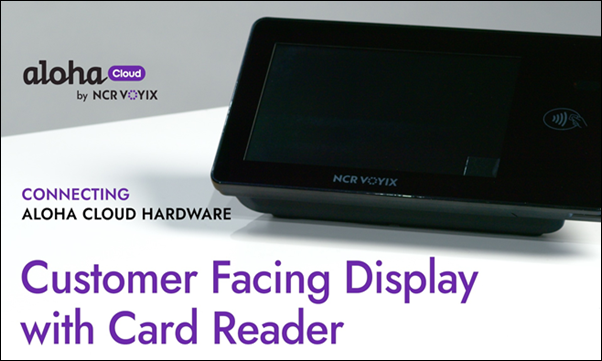
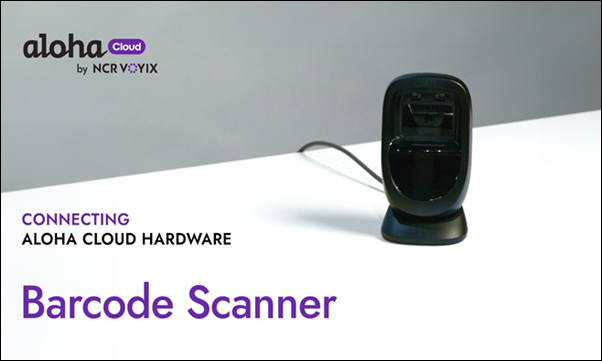
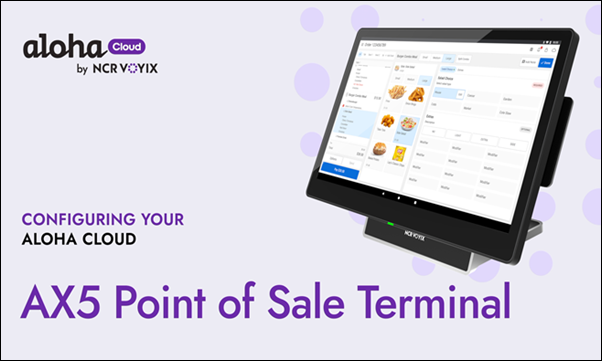
This page provides easy access to helpful tutorials, covering many topics in Aloha Cloud Back Office and the POS. The below videos are relevant for setting up the AX5 Point of Sale Terminal, Customer Facing Display, and Optional Barcode Scanner.
| Access complete playlist |
|---|
 |
Installation Tutorials
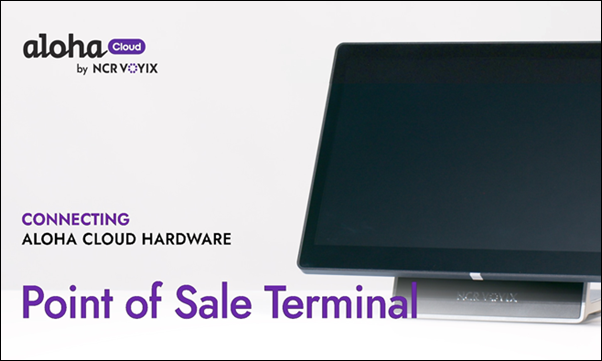
| Getting Started with Aloha Cloud | Unboxing your Aloha Cloud Bundle | Connecting Aloha Cloud Hardware to POS |
|---|---|---|
 |  |  |
| Connecting to CFD with EMV Card Reader | Connecting to Barcode Scanner | Transition to Configuration |
|---|---|---|
 |  |  |
| Configuring your Aloha Cloud | Configuring Point of Sale Terminal |
|---|---|
 |  |
Back Office Tutorials
| Adding a New Menu Item | Adding QR Codes to Receipts | Setting Up Surveys |
|---|---|---|
 |  |  |
| Creating an Employee | Creating and Managing Dashboard Alerts | Creating and Managing User Roles |
|---|---|---|
 |  |  |
| Creating Custom Tenders | Creating Discounts | Creating Event and Price Lists |
|---|---|---|
 |  |  |
| Creating a Modifier Group | Creating Custom Pay In/Out Codes | Creating Promotions |
|---|---|---|
 |  |  |
| Managing House Accounts | Managing Labor Shifts | Setting Gratuities and Breaks |
|---|---|---|
 |  |  |
| Setting Up a Charge | Setting Up Promotion Tags | Setting Up Taxes |
|---|---|---|
 |  |  |
POS Tutorials
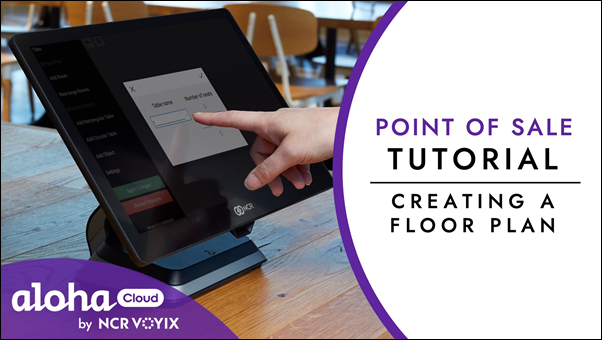
| Adding Items to a Closed Check | Clocking In and Out | Creating a Floor Plan |
|---|---|---|
 |  |  |
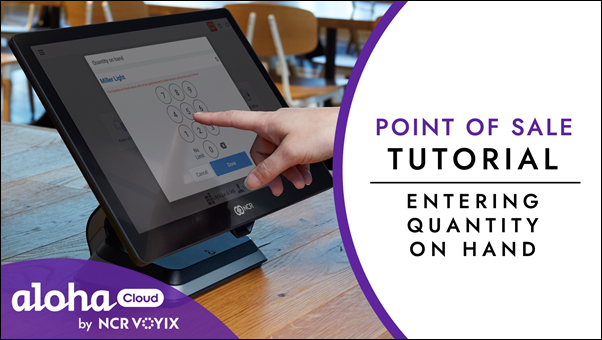
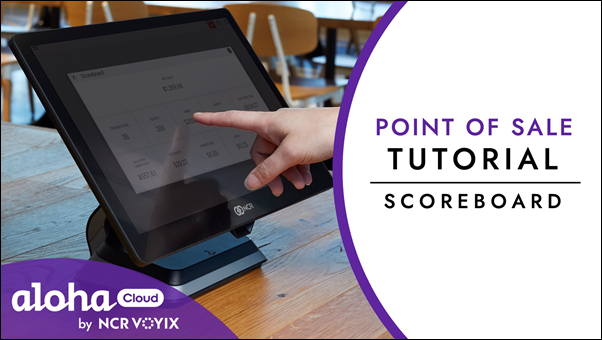
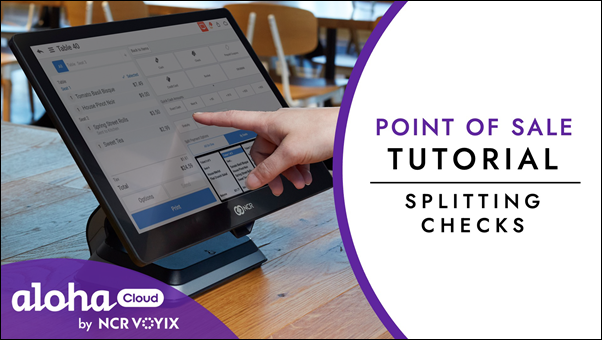
| Entering Quantity on Hand | Scoreboard | Splitting Checks |
|---|---|---|
 |  |  |
| Transferring a Ticket |
|---|
 |
Click below for easy access to helpful tutorials, covering many topics in Aloha Cloud Back Office and the POS.